A focus call lasts one evening. The passport lasts the life of the production.
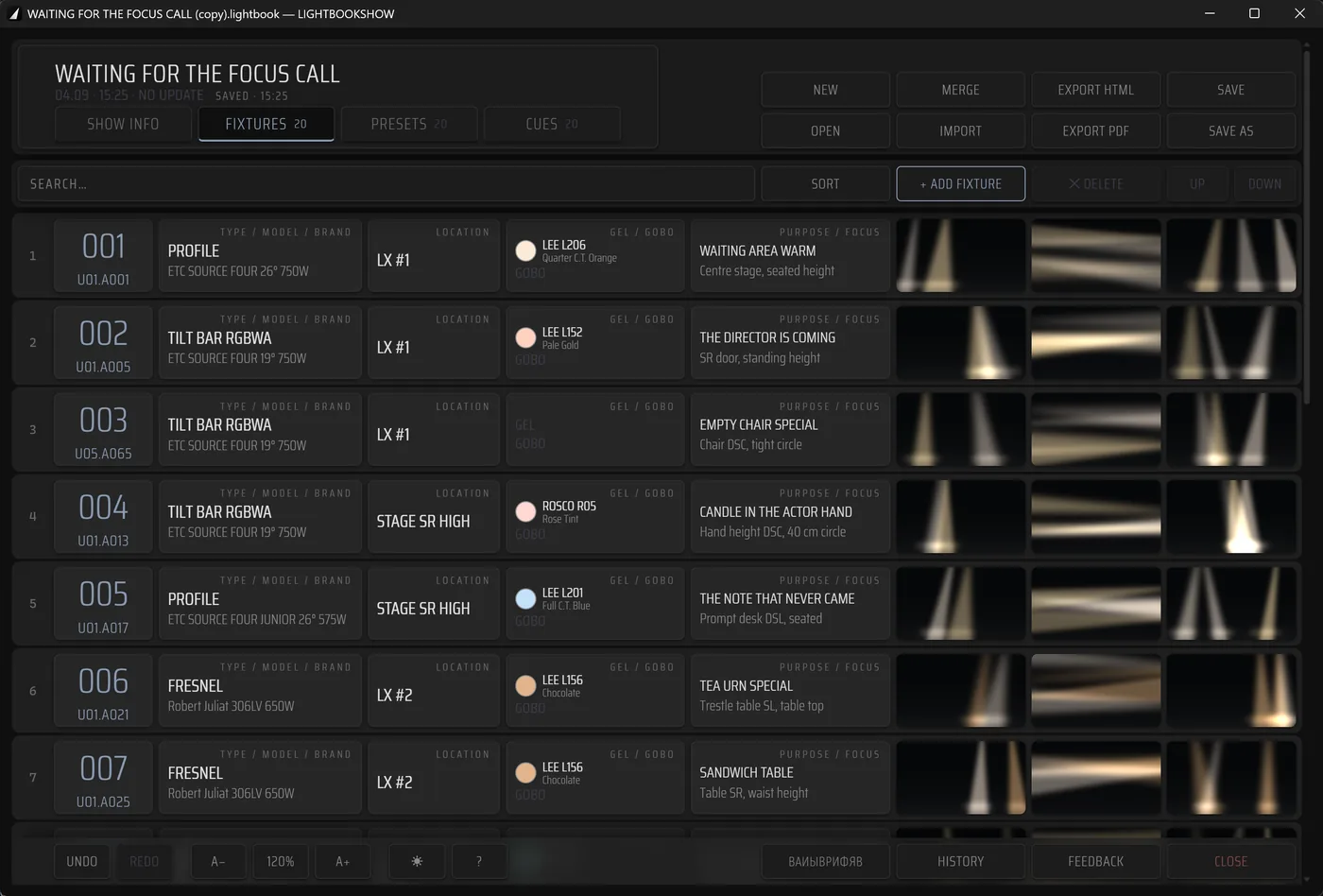
Console show-file data, equipment parameters and a photograph of what is actually standing on stage — in one structure, written on the phone during the focus call itself.
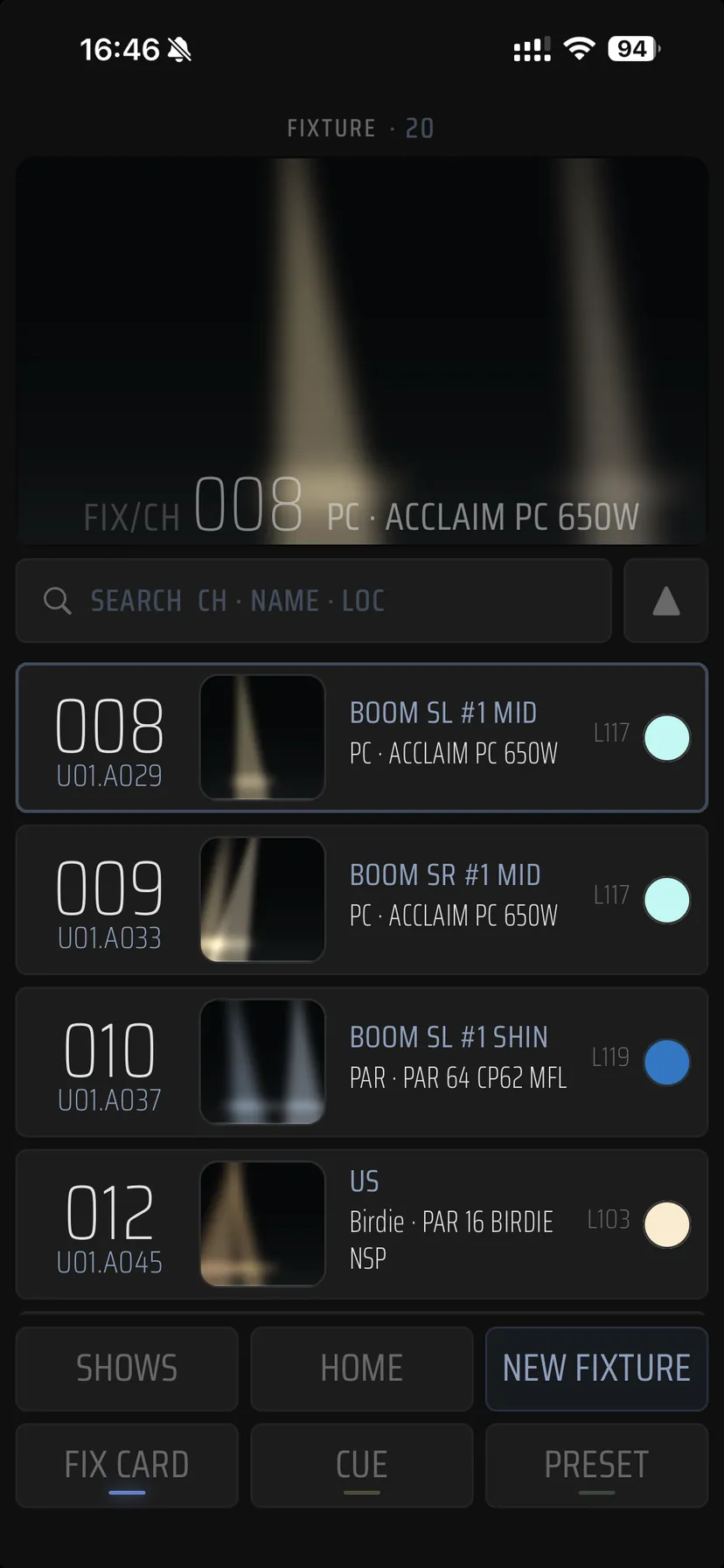
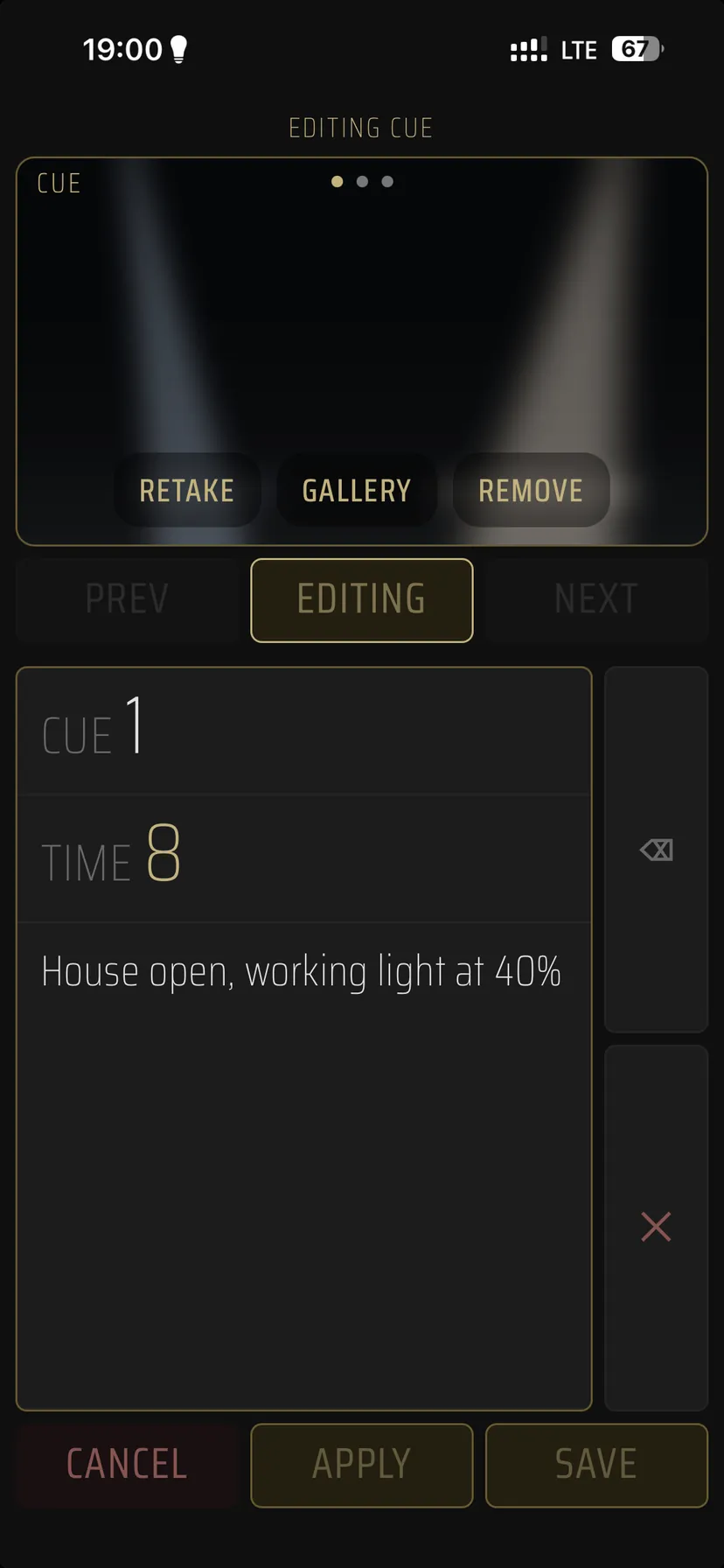
A revival next season, a new crew in the department, a move to another venue. Every time the light is set again — and every time it rests on someone still remembering how it looked.
Out of the show file
Patch, presets and cues come out of the console instead of being typed in.
With a photograph
A frame shot during the focus call is attached to the fixture, preset or cue card.
Into the archive
The finished passport goes out as PDF for print, as HTML for reading, and as the project file — for backup, handover and touring.
I · Import
The data comes off the console
grandMA and ETC Eos — the patch, the presets and the cue list come across together with timing values and the console's own text notes.
II · Pickers
Five screens a fixture is assembled from
Every parameter of the card has its own picker that knows the catalogue. The gel's catalogue number, the gobo's pattern and the fixture model go in ready-made — there is nothing to type by hand.
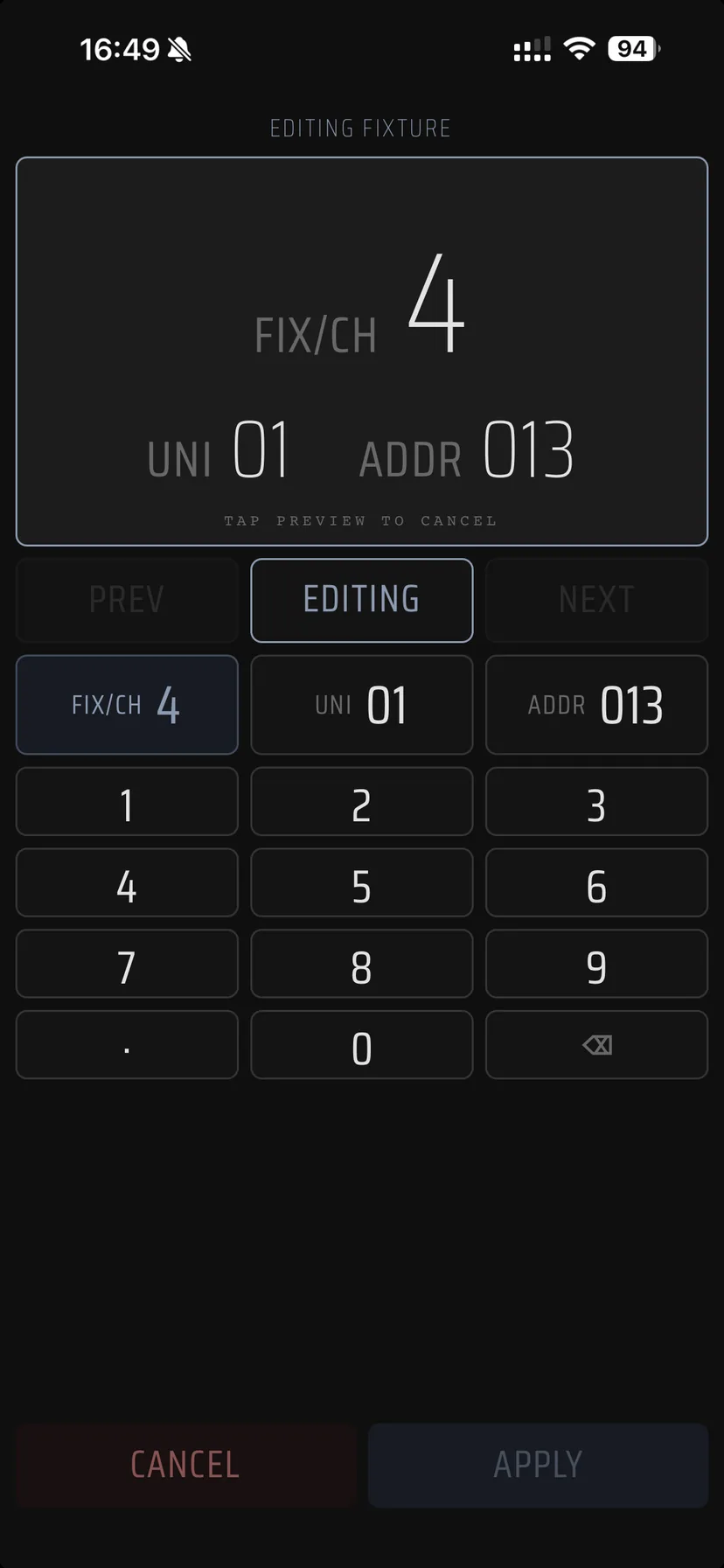
Address
channel, universe, DMX
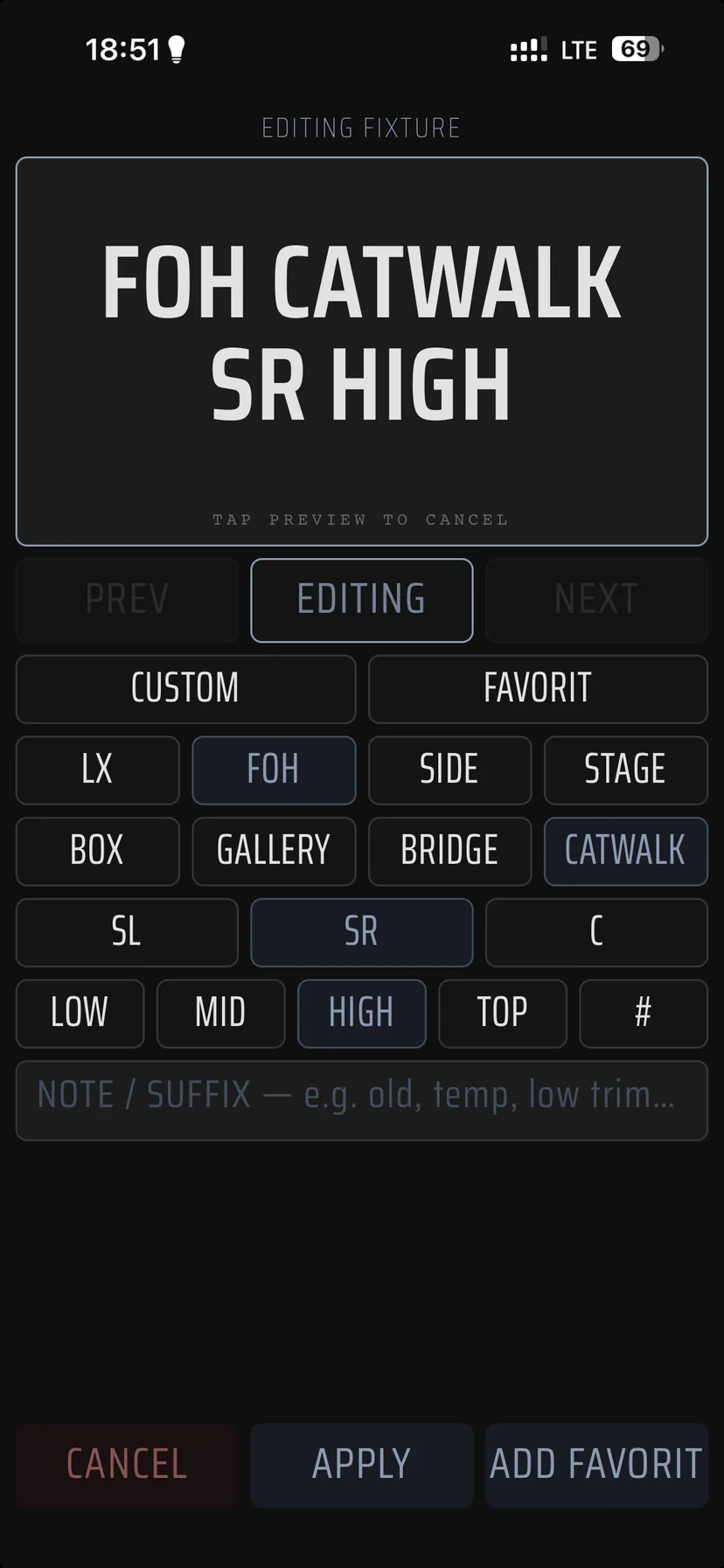
Location
LX, FOH, side, stage
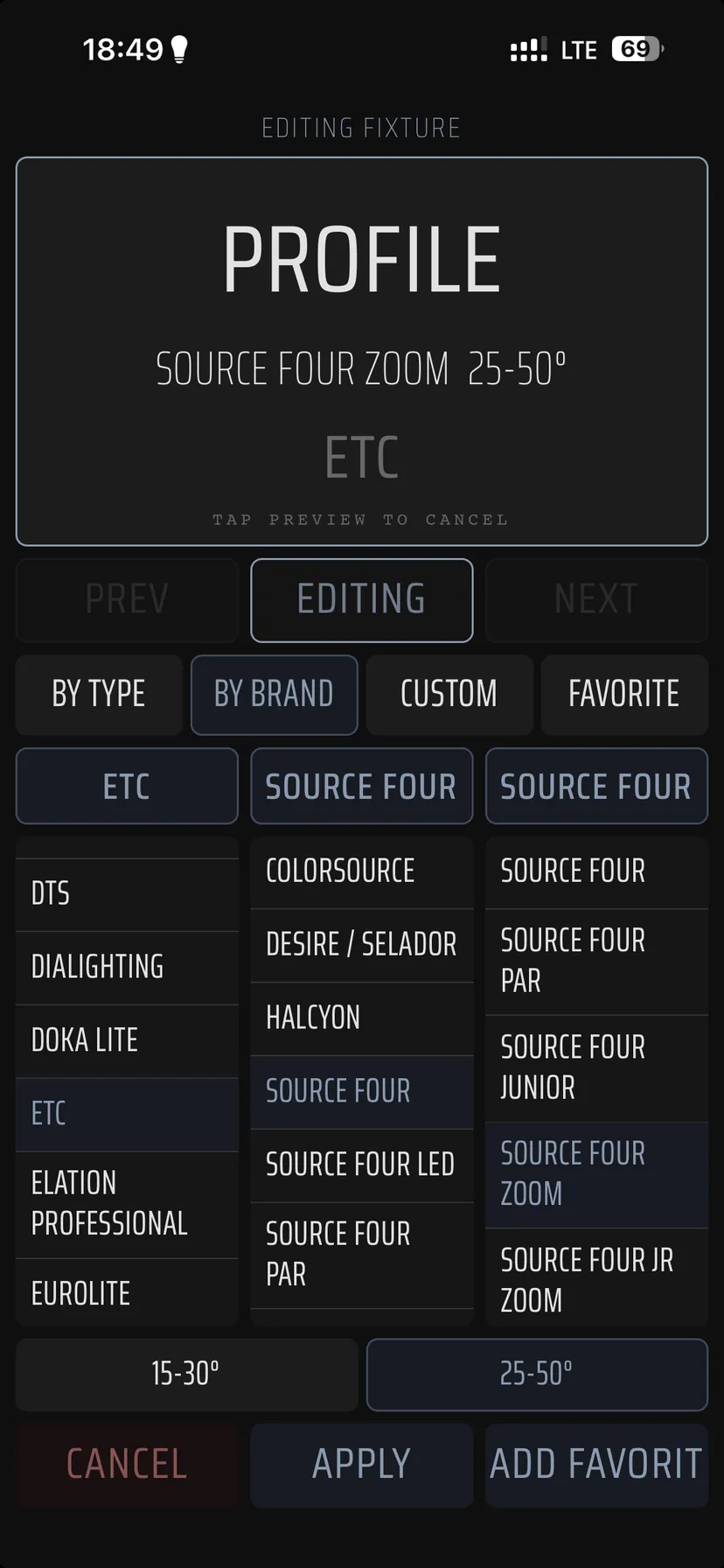
Type and model
by type, by brand, favourites
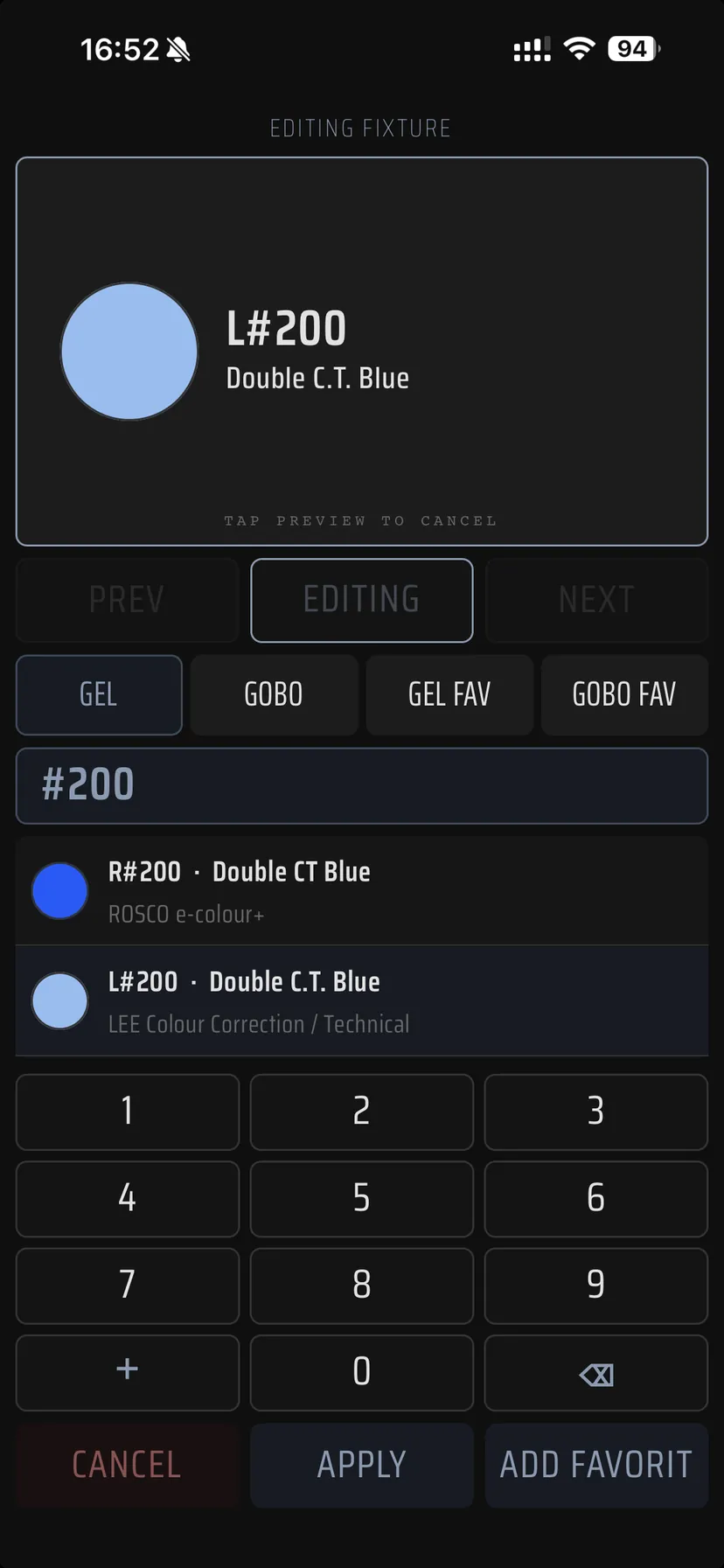
Gel
catalogue number and colour
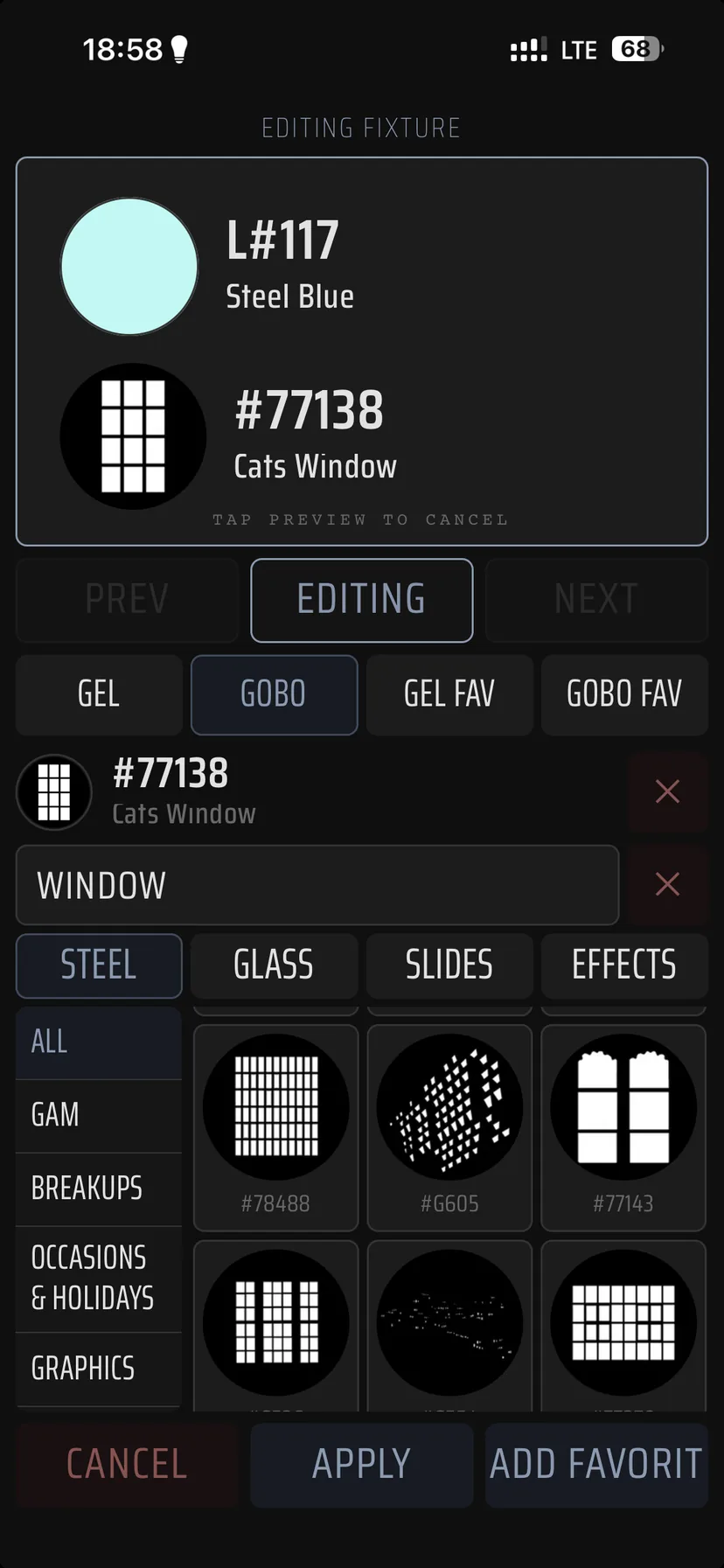
Gobo
catalogue number and pattern
III · Camera
Shot during the focus call
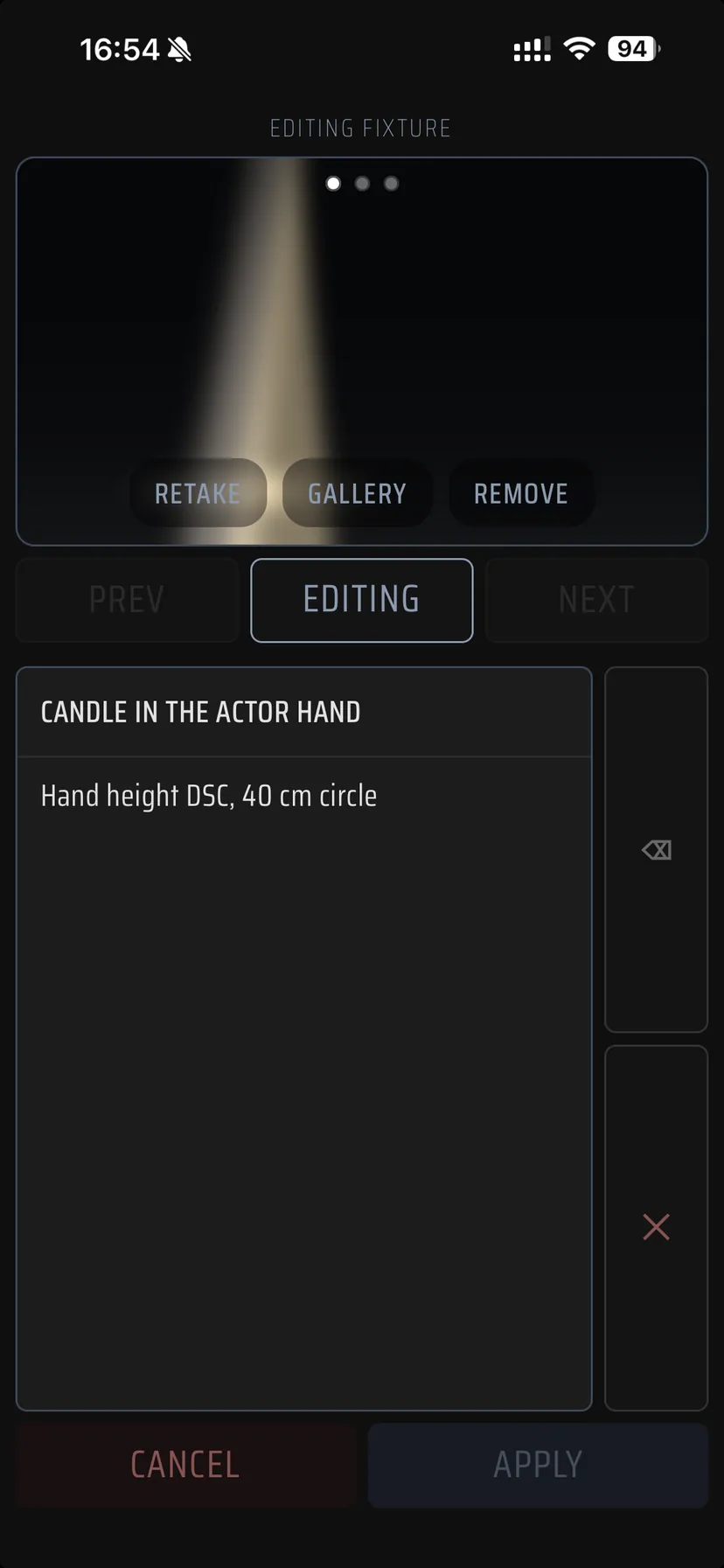
The photograph is taken inside the fixture, preset or cue card itself — or added from the media library. Before saving, the frame can be cropped and corrected for brightness, contrast and colour.
The frame documents the real position of the light: focus, beam edges, colour, gobo and how the light meets the set.
What else makes the work faster
The entry wizard
Walks step by step through the fixture parameters, its location, optics and the extra detail.
Favourites
The fixtures, positions, gobos and gels that repeat dozens of times in this show — one tap away.
Search on site
The fixture or cue you need is found by channel, name or location during the rehearsal itself.
List, grid, gallery
The same set of cards reads either as a table of data or as a visual check of the result.
Edit history
Records corrections and helps several people keep one current passport.
Merging files
Several project files come together into one passport — a focus call written down in several sittings.
Works offline and stays on the device
No accounts, no advertising, no analytics, no tracking. Productions, photographs and exported files live in the app's own folder. The only outgoing connection is the feedback you send yourself, and what it contains is shown to you on screen beforehand.
The beta is open
The iPhone build is already in TestFlight — the invitation is on the beta page. Leave your email and we will write once, when the release is out.
To the beta page →Or write to info@lightbookshow.com