
TestFlight
iPhone
- Install TestFlight from the App Store.
- Open the invitation — it opens inside TestFlight.
- Tap Install. Allow Local Network when iOS asks, or the console cannot be heard.
Companion app · public beta · 0.6.1 · iPhone, Android
The stage, photographed on every GO
Listens to the console on the local network — grandMA2, grandMA3, ETC Eos — and photographs the stage at GO, at fade end, or both. The frames land on the cue cards of your LIGHTBOOKSHOW file. It never sends anything to the console.
iPhone — TestFlight. Android — Google Play open test. How to install →
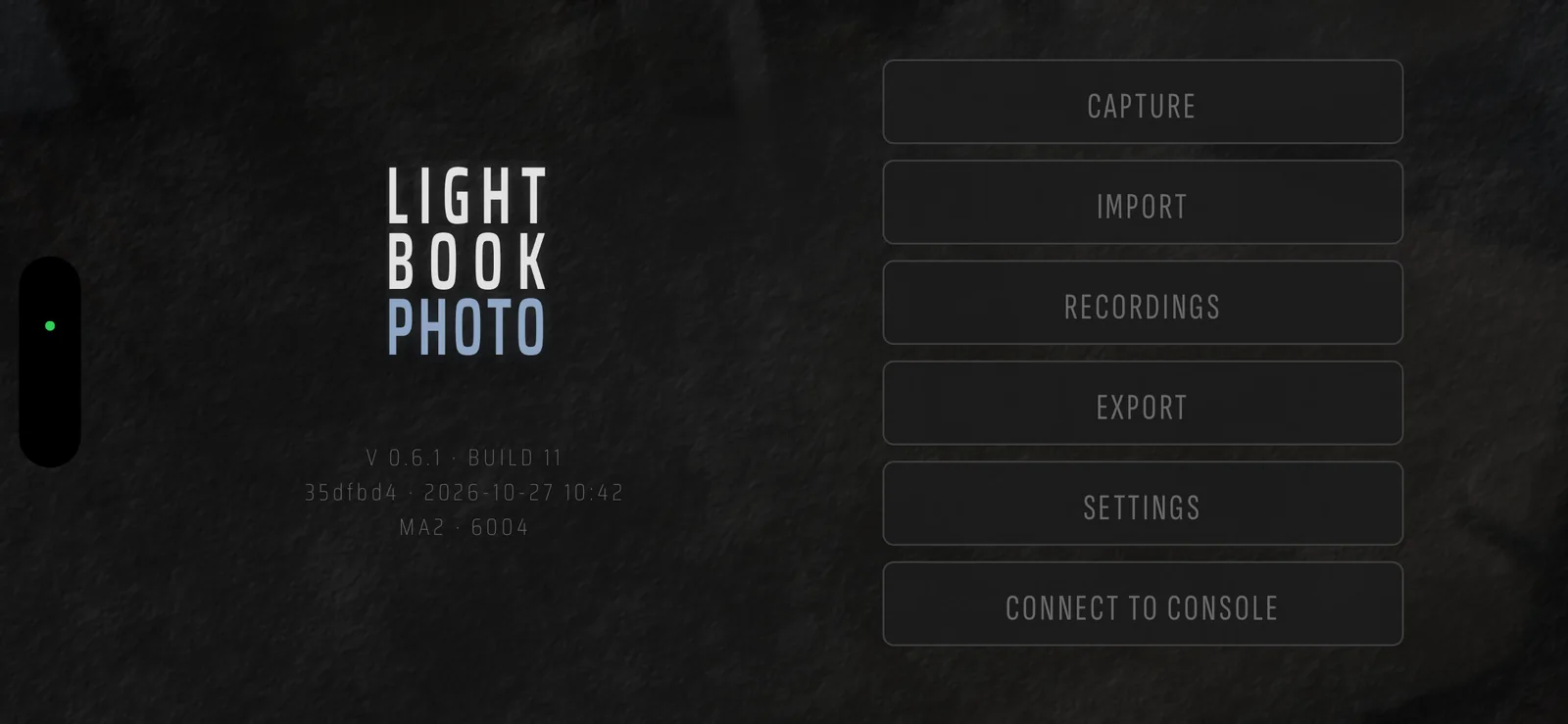
The app only listens. It never sends anything to the console and cannot change your show.
I · The link
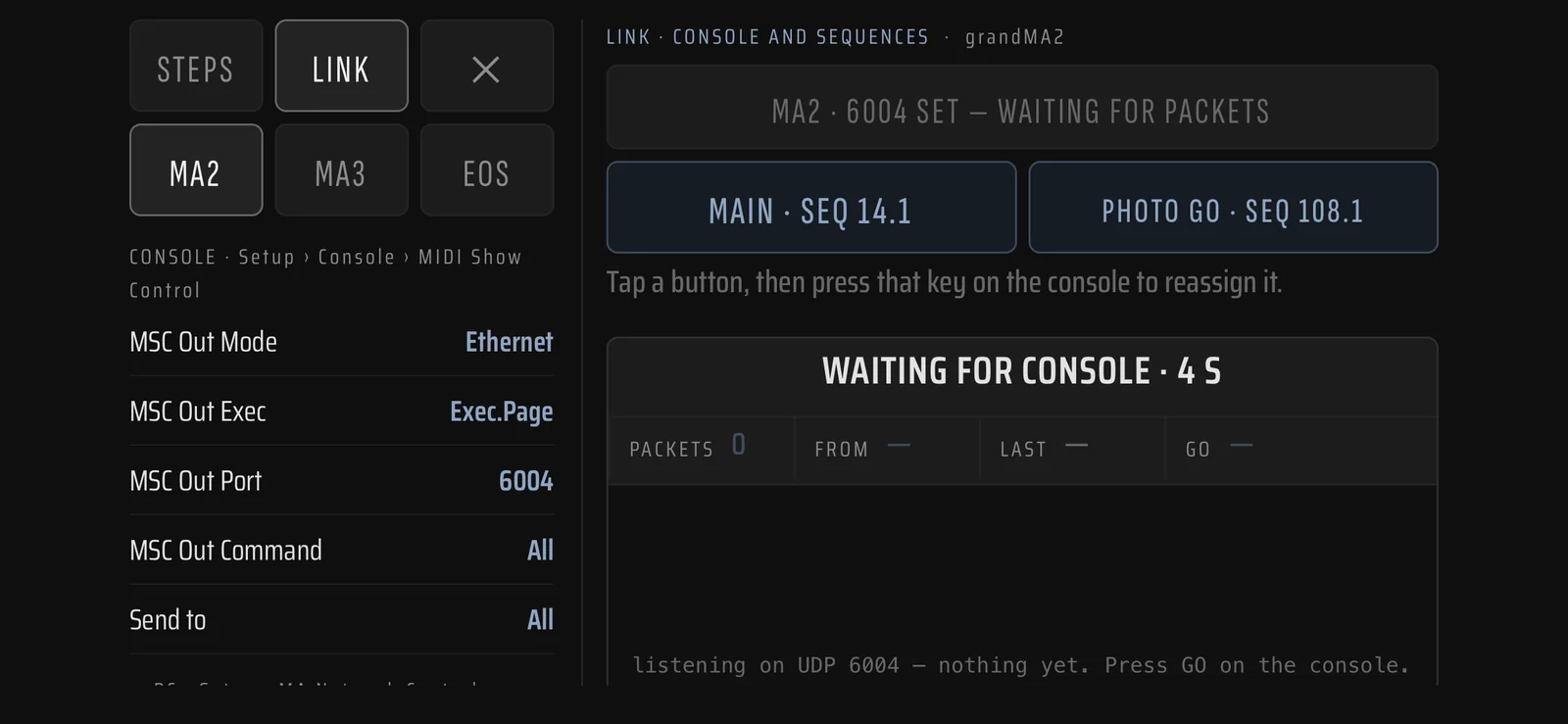
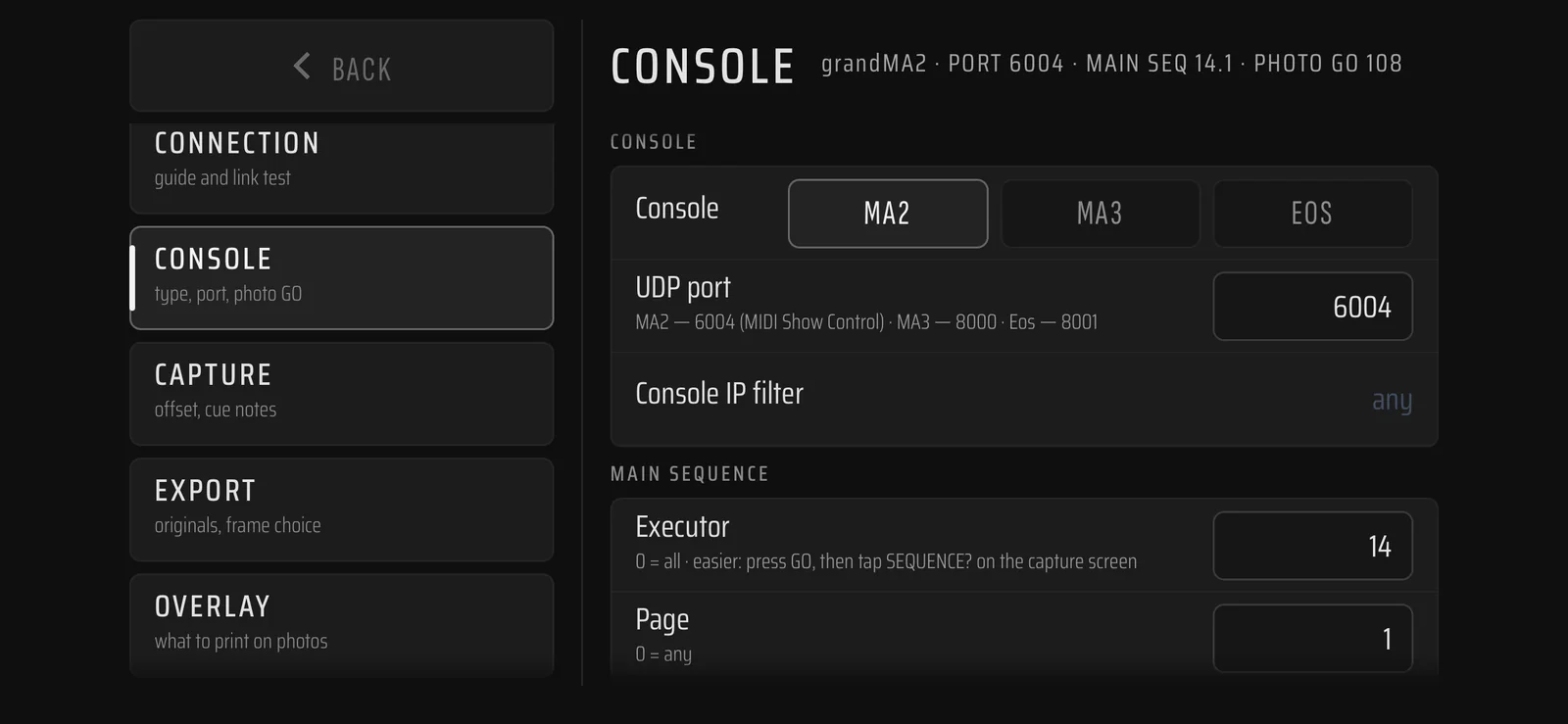
CONNECT TO CONSOLE walks through the console setup — MIDI Show Control over Ethernet on grandMA2, OSC on grandMA3 and Eos — and runs a live test: packets show up as they arrive. When the first GO comes in, the app asks you to press GO on the main sequence, then the key you want to use as the photo key. That is the whole setup.
Link test
Console settings
II · The shot
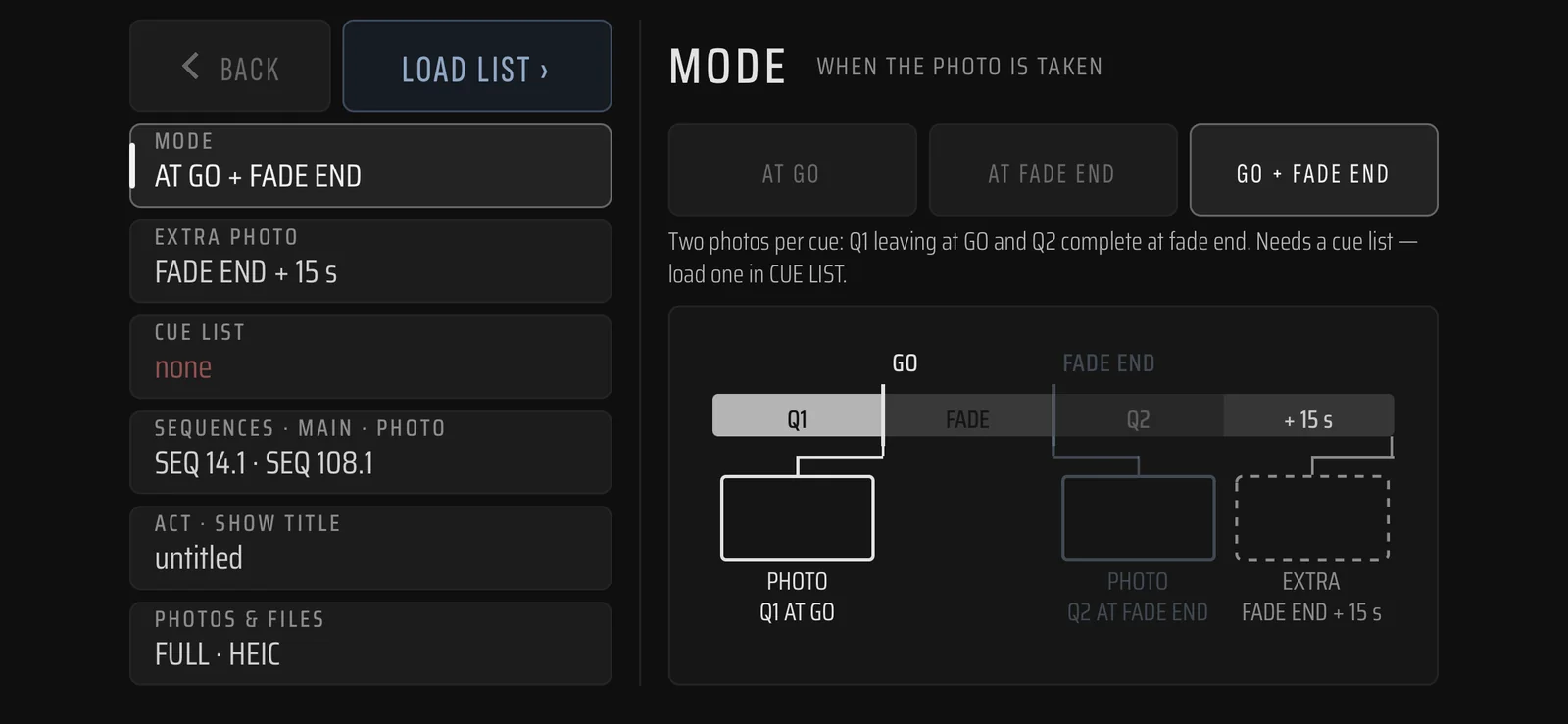
Choose when the frame is taken. AT GO catches the cue as it is called; AT FADE END waits for the light to settle, timed from the cue list; GO + FADE END takes both, and an extra frame can be added at an offset of your choice. Then TO CAMERA, TAP TO STAND BY, and the console does the rest.
Mode
Standby
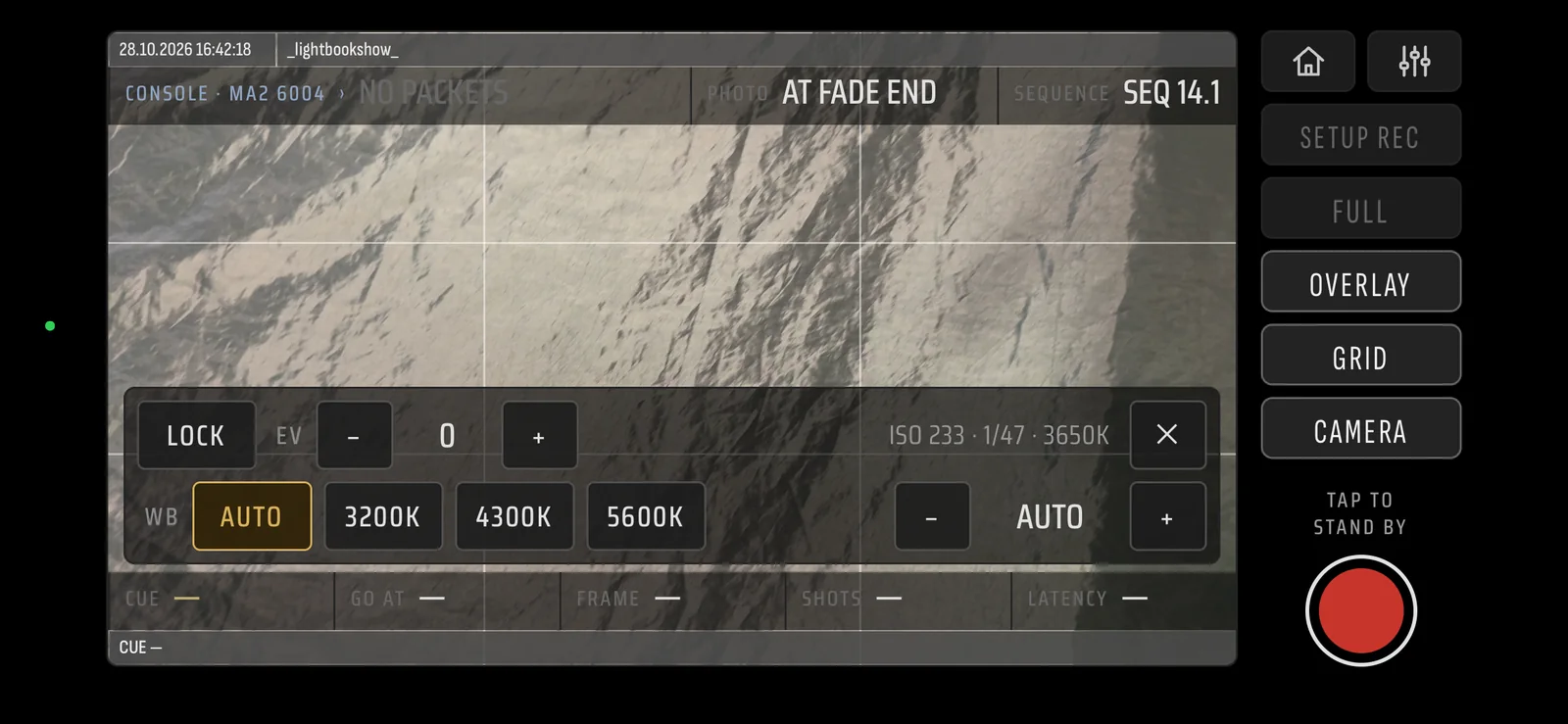
A recording is started once, before the run. From then on every GO on the console gives a shot — the phone sits on its stand and nobody touches it.
Exposure, white balance and focus can be locked for the run, so the frames of one show are comparable with each other and not with the house lights.
LOAD CUE LIST takes a .lightbook from LIGHTBOOKSHOW or the cue list straight from the console — a grandMA sequence as XML, ETC Eos as CSV. Fade-end timing and the cue text on every frame come from it.
grandMA2 onPC and ETCnomad are free and work as a console from a computer on the same network — enough to try the link and the capture at home.
III · The record
A table in the style of a console cue list is printed onto the frame: date and time, show clock, cue number and text, which sequence fired, fade time. Settings › OVERLAY decides what goes on and what stays off. The originals can be kept alongside, untouched.
A frame
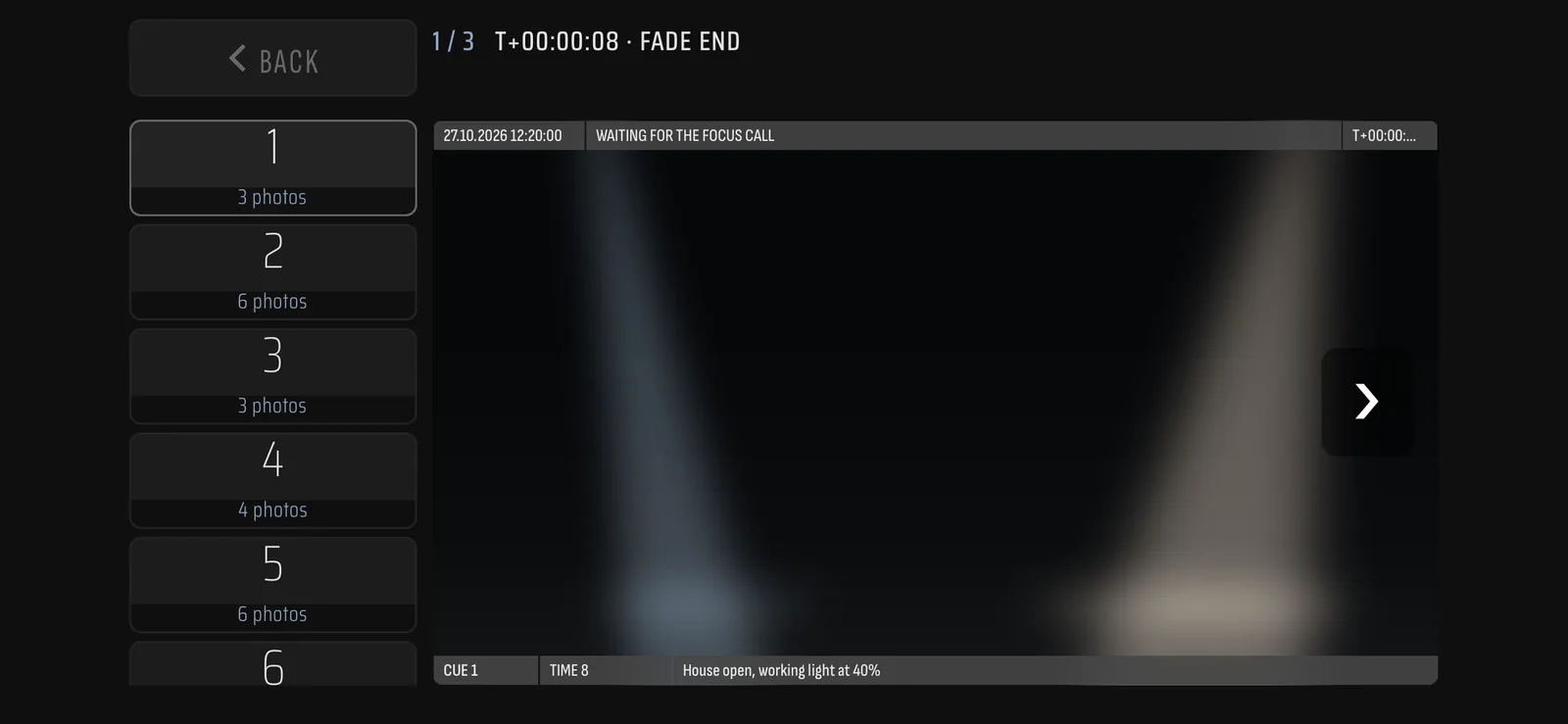
What to print
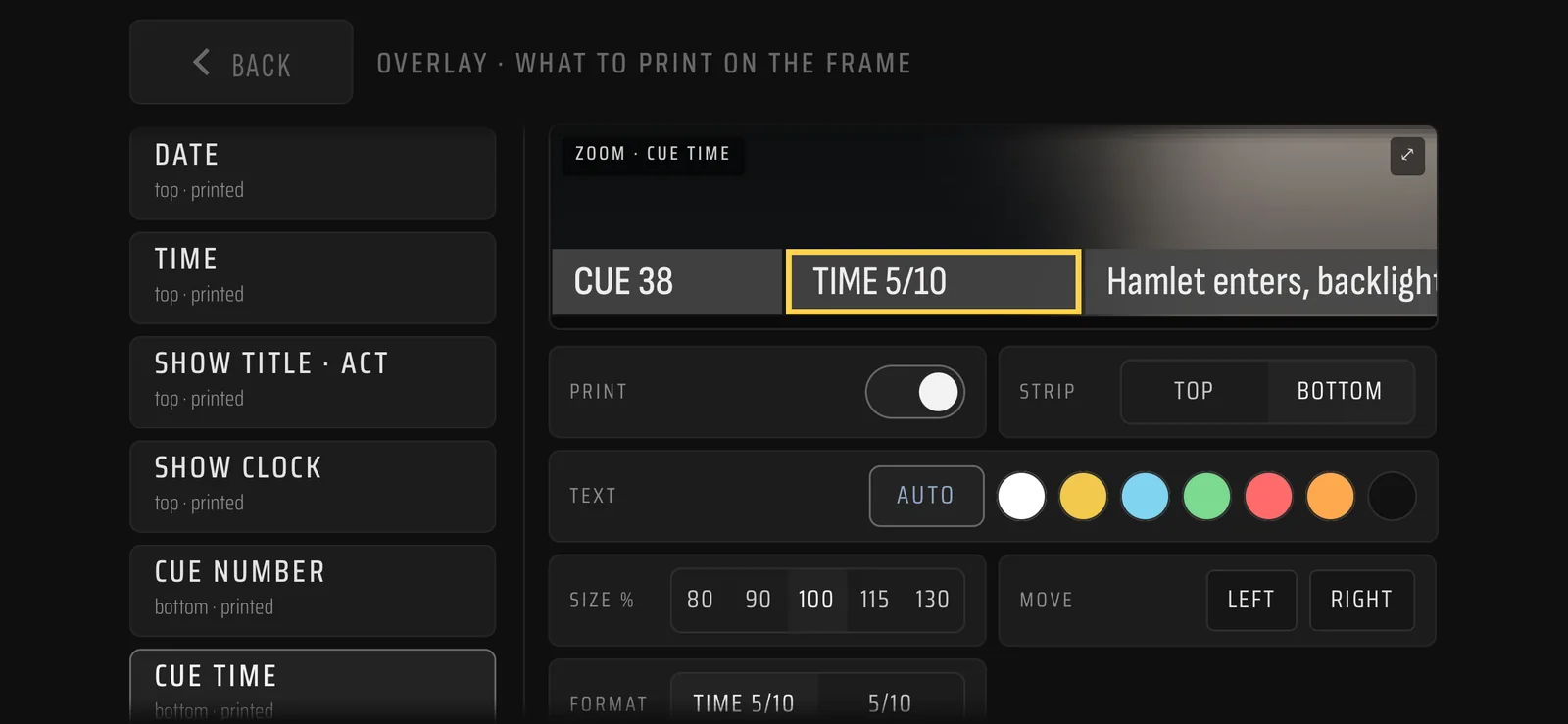
IV · After the show
Open the recording, pick the frames per cue — three for the printed sheet, three spare — and export a .lightbook. It opens in LIGHTBOOKSHOW on the phone or the desktop with the photographs already on the cue cards, next to the console data they belong to. One file per show, as before.
Picking the frames
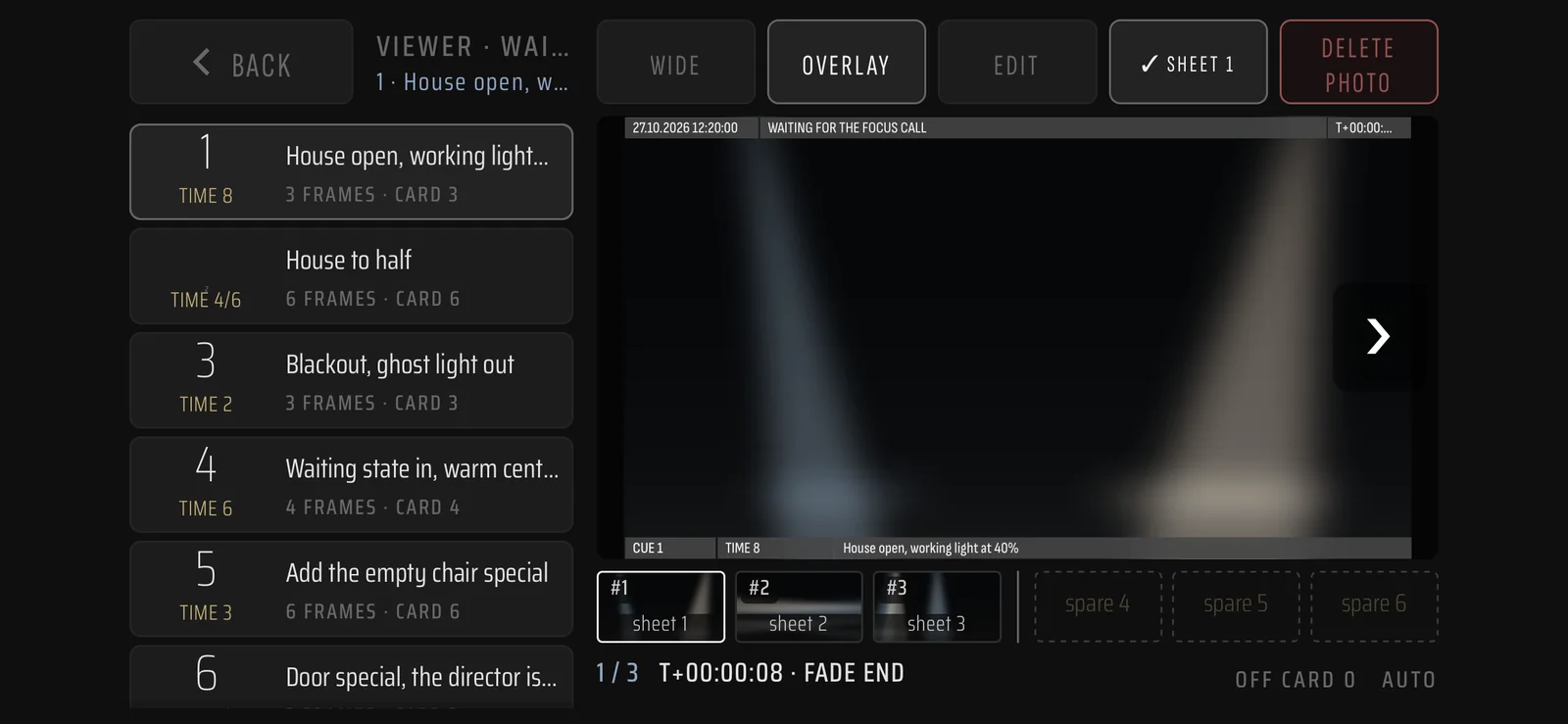
Recordings
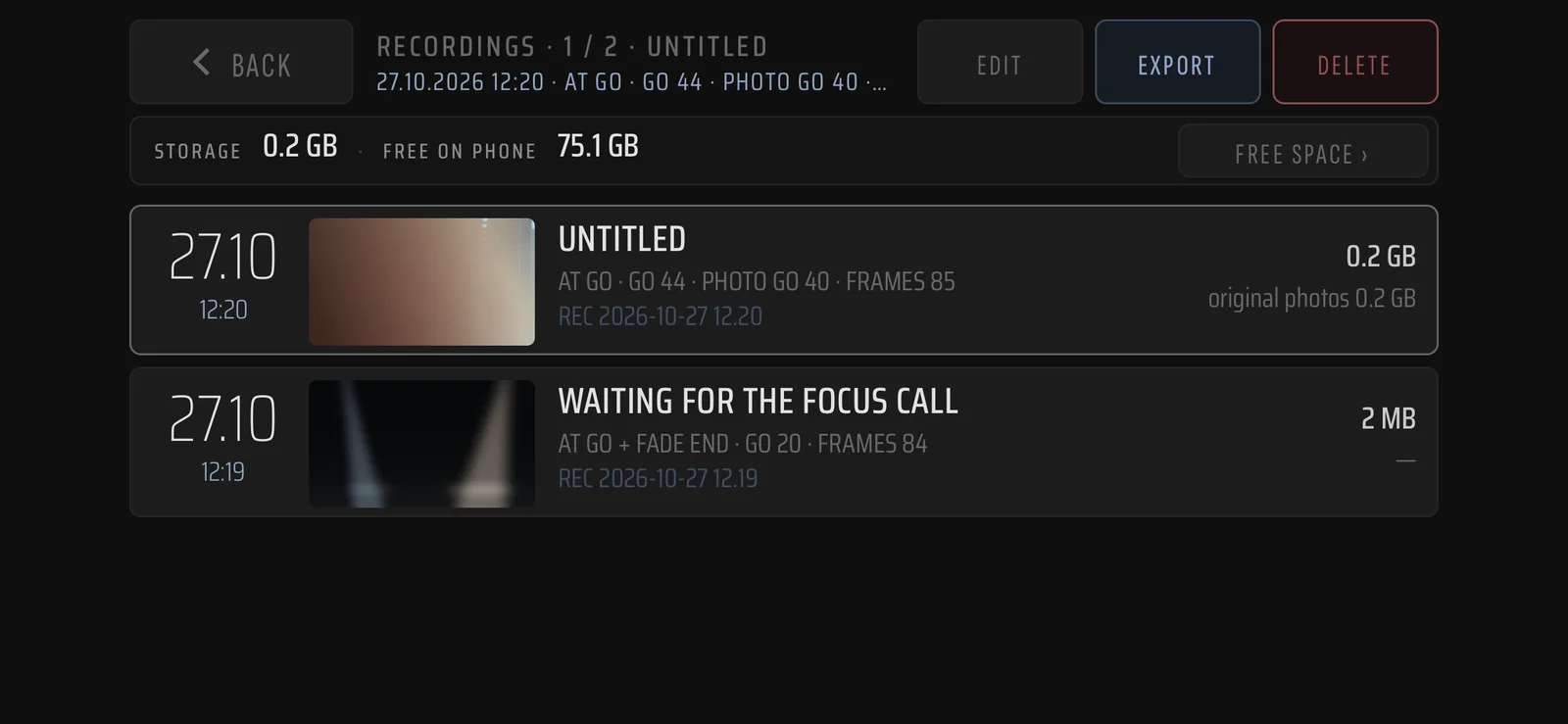
The .lightbook written by LIGHTBOOKPHOTO is the one LIGHTBOOKSHOW 0.13.0 reads: six frames per cue, 1–3 on the sheet, 4–6 spare.
Recordings and frames stay on the device. Nothing is uploaded; a file leaves the phone only when you share it.
Landscape only. The camera works while the app is open — keep the phone on power for a long run. Shows still travel between the two apps as a file.
Camera and local network, both used only for what is described here. The full text: privacy policy →
Public beta
iPhone — through TestFlight. Android — through the open test in Google Play.
TestFlight
Google Play
Google Play will not install it? Become a tester first
Feedback from anyone who runs it on a real show is what the beta is for — which console, which network, where the shot landed. Leave your email and we will write when new builds are out.
LIGHTBOOKSHOW, the show bible →Or write to info@lightbookshow.com
LIGHTBOOKPHOTO
Every test build, newest first.
0.6.1
iPhone, Android · first beta
October 2026
iPhone through TestFlight, Android through the open test in Google Play. Landscape only.
